EcomLit guide
Give teammates access to the dashboard.
Steps
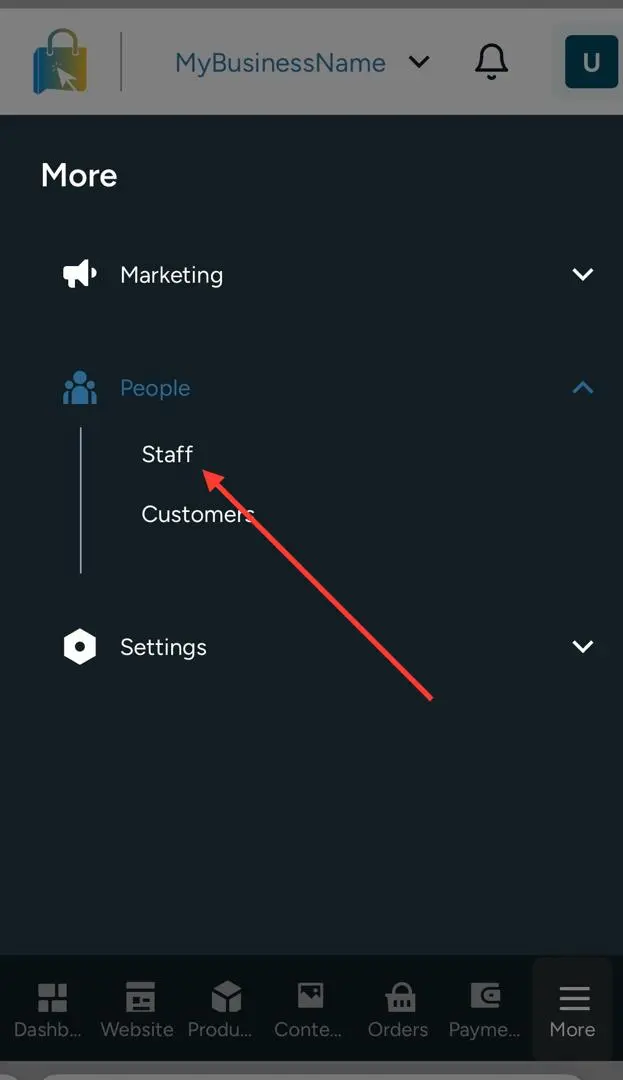
Open People → Staff.
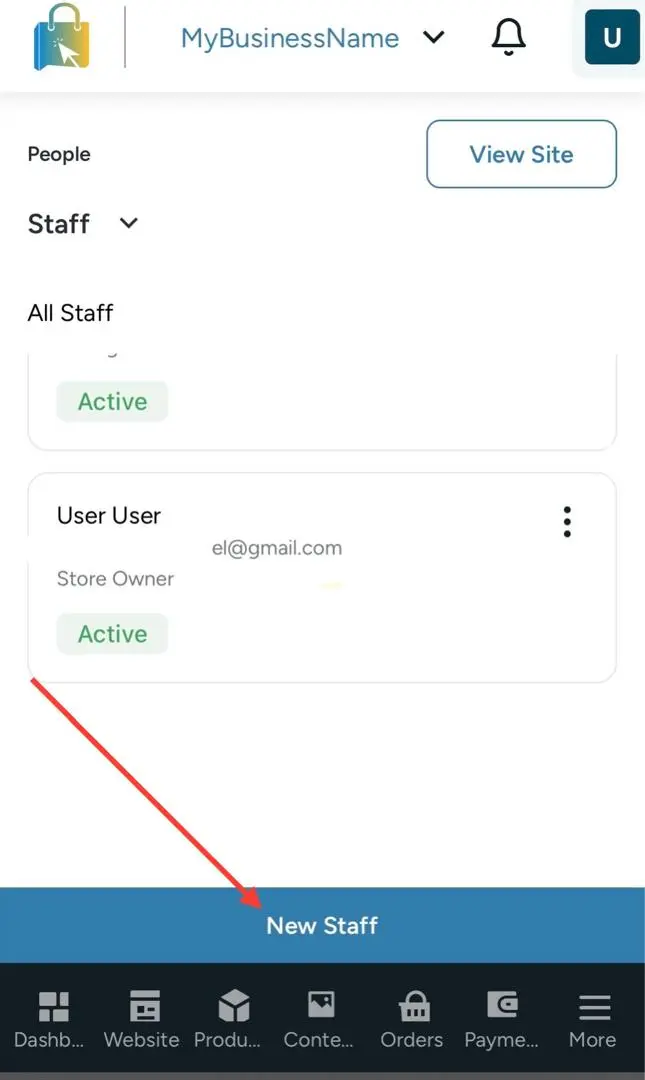
Invite a staff member.
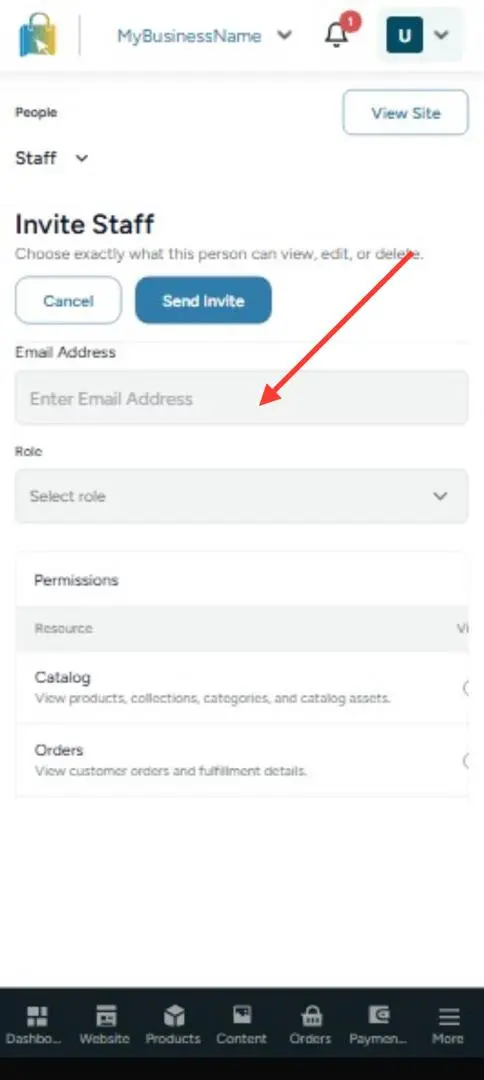
Enter their email and role and Select Permissions ( What they can do on your store )
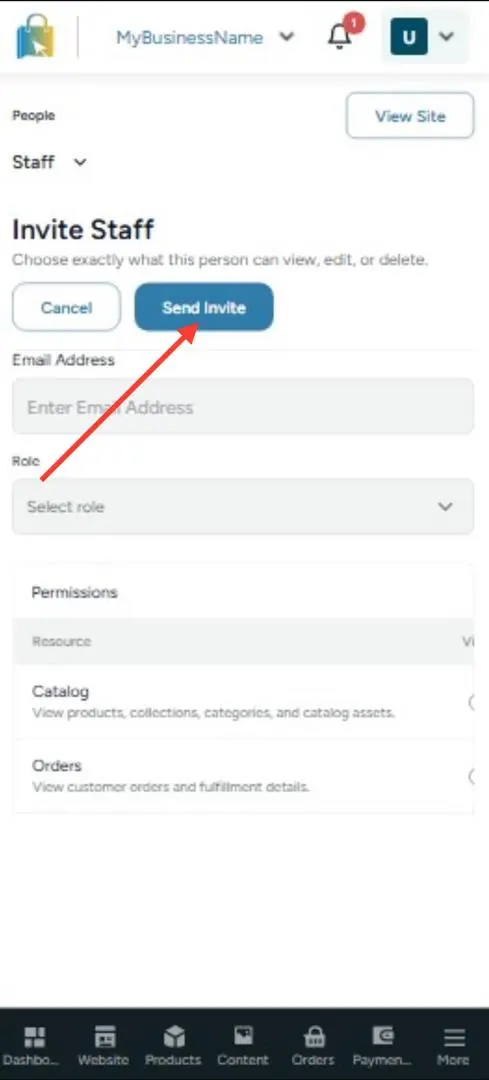
Send the invite.
They accept from the email and sign in.
EcomLit guide
EcomLit support
Tell us what you are trying to do and our team will point you in the right direction.