EcomLit guide
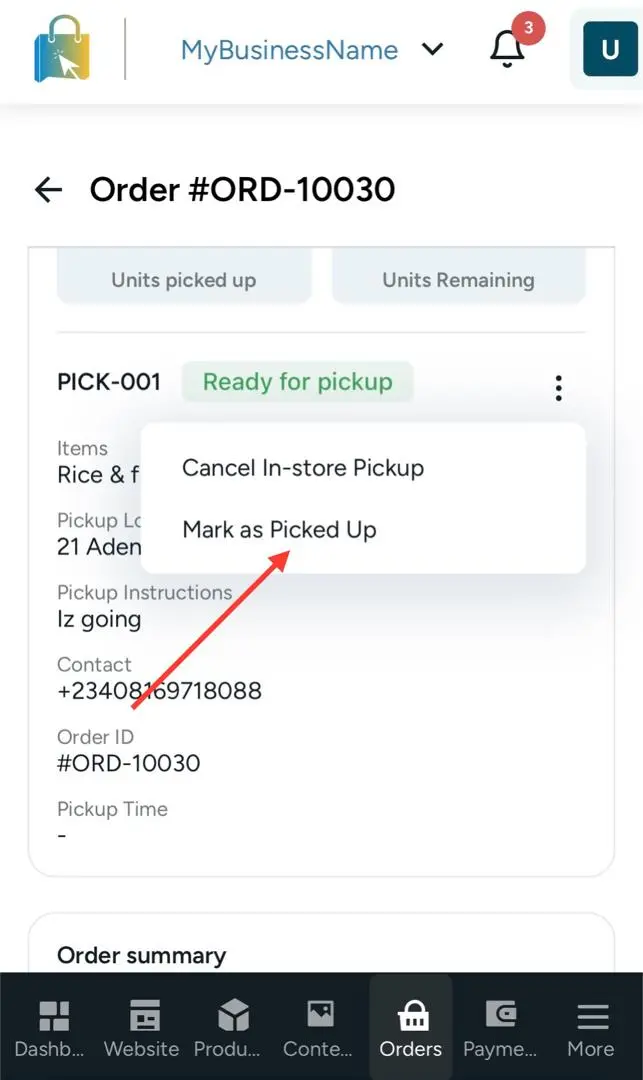
Mark a collect-in-store order as picked up. Do not create a shipment.
Steps
Open Orders and select the pickup order.
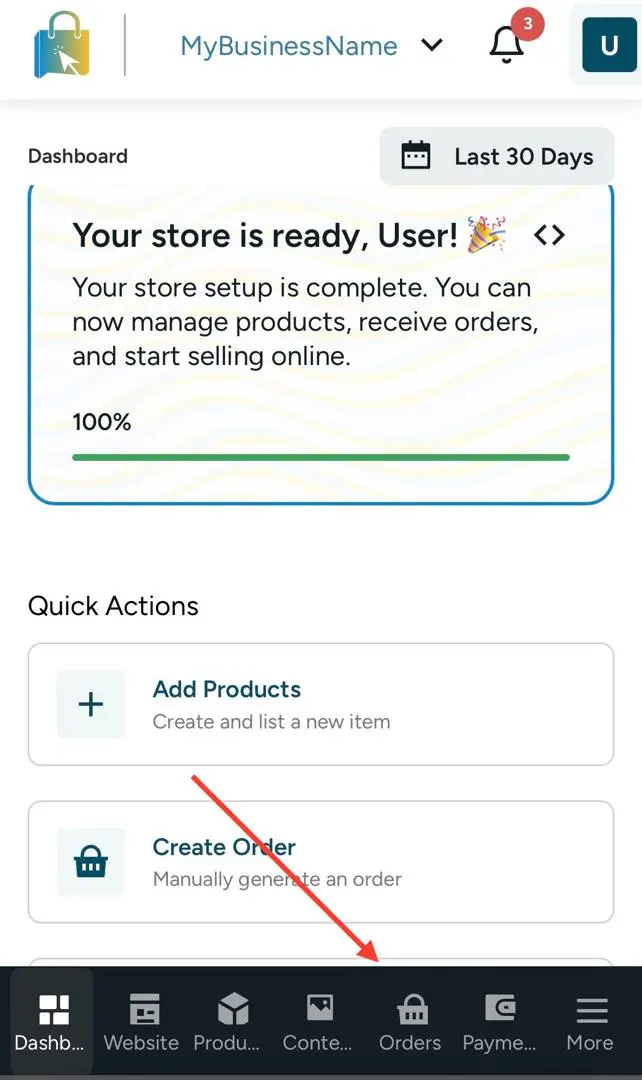
Click on specific order.
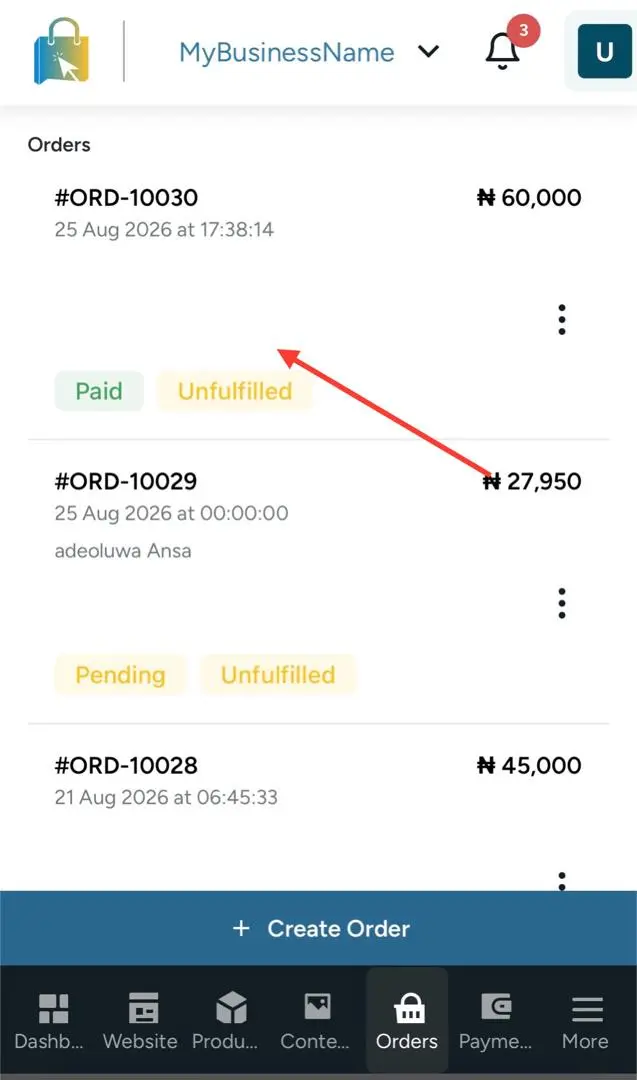
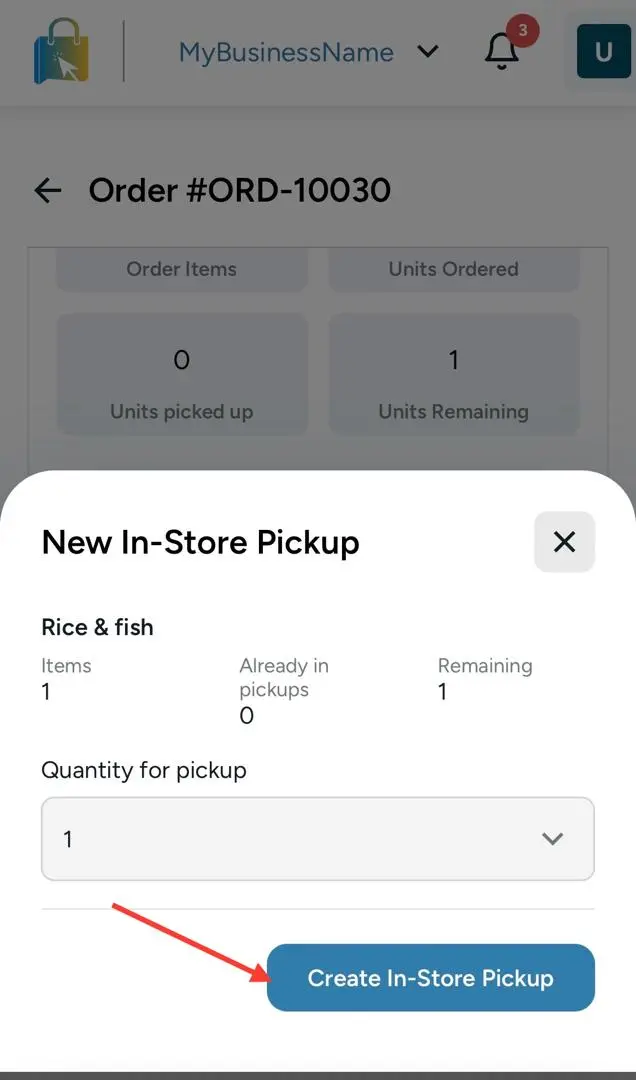
Create New In-store Pickup.
When collected, select Mark as picked up.
EcomLit guide
EcomLit support
Tell us what you are trying to do and our team will point you in the right direction.